
See yourself as a Disney or fantasy character — instantly.
Upload a photo and the tool maps your face onto Disney characters, fairy-tale heroes, and fantasy illustrations with natural skin-tone blending and expression matching, so the result looks like it belongs in the scene rather than pasted on top of it.
Try it now — it's free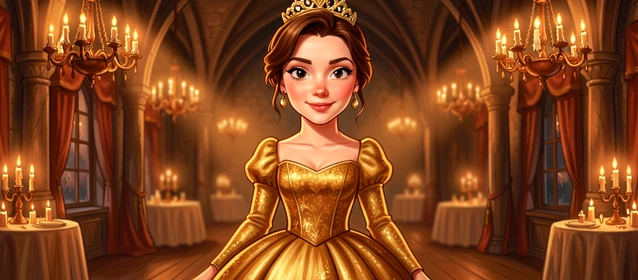
Swap your face into Disney and fantasy scenes
Upload your source photo and choose a fantasy target — the AI handles alignment, blending, and color matching automatically.
Drop a face photo here
or click to choose
Drop a target photo here
or click to choose
Three steps to your fantasy portrait
No editing skills required. The workflow is designed so anyone can go from photo to finished face swap without touching a single slider.
Upload your face photo
Select a clear, front-facing photo of yourself or the person whose face you want to swap. The tool reads facial landmarks from this image, so a well-lit shot with the face unobstructed gives the cleanest result.
Choose a fantasy target
Pick one of the Disney-style or fantasy character target images provided. The target defines the costume, setting, and artistic style your face will be placed into.
Generate and download
Tap the swap button and the AI composites your face onto the target, matching skin tone, lighting angle, and expression. When the result appears, download it directly to your device.
What you can create
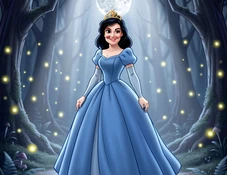
Enchanted Princess
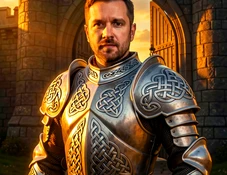
Brave Knight
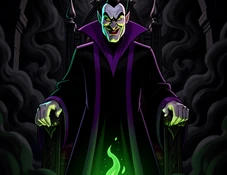
Wicked Villain
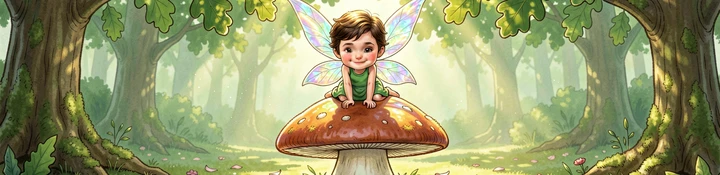
Forest Fairy
Fantasy styles you can swap into
Classic Disney Animation
Targets drawn in the rounded, expressive style of traditional Disney feature films. Best for users who want a recognizable fairy-tale aesthetic — think large eyes, soft shading, and saturated costume colors.
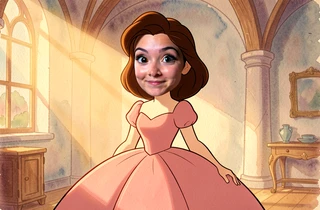
High Fantasy Illustration
Targets rendered in a detailed painterly style inspired by fantasy novel cover art — rich textures, dramatic lighting, and elaborate costumes. Ideal for users who want a more epic, cinematic result.
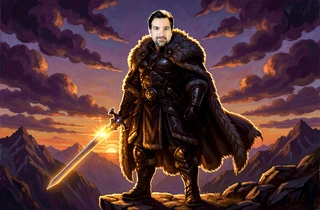
Fairy-Tale Storybook
Softer, more illustrative targets with a children's-book quality — gentle watercolor textures, pastel palettes, and whimsical settings. Works especially well for younger subjects or gift portraits.
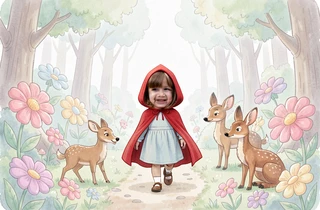
Dark Fantasy & Villain
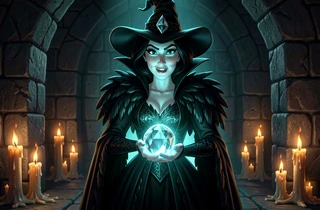
Targets styled after Disney antagonists and dark-fantasy archetypes — deep shadows, dramatic color contrasts, and gothic costume details. A strong choice for Halloween content or fans of the villain aesthetic.
Common questions
Do I need to create an account to use the Disney face swap?
No account is required. Open the tool, upload your photo, select a target, and download the result — the entire process works without registration.
What kind of source photo gives the best face swap result?
A front-facing photo with even lighting and no heavy shadows across the face works best. Sunglasses, masks, or extreme side angles reduce landmark detection accuracy and can cause misalignment in the final composite.
Can I swap someone else's face, like a friend or family member?
Yes. Upload any photo where the face is clearly visible. Many users create fantasy portraits as gifts or for group photos — just make sure you have permission to use the image.
Will the skin tone and lighting match the target character?
The AI adjusts color temperature and brightness to match the lighting conditions of the target scene, so the face blends rather than appearing as a flat cutout. Results vary depending on how different the source lighting is from the target.
Can I use the output image on social media or print it?
Downloaded images are yours to share on personal social media, use as profile pictures, or print for personal use. Commercial redistribution of Disney-styled imagery may be subject to copyright considerations outside this tool's scope.
Is there a limit to how many swaps I can generate?
The tool does not publicly advertise a hard cap on generations. If you encounter any restrictions during a session, refreshing and trying again typically resolves it.
Does the tool work on mobile browsers?
Yes. The tool runs in any modern mobile browser without requiring an app download. Upload from your camera roll, generate, and save directly to your phone's gallery.