
Swap Your Face onto a Celebrity Photo
Pick a celebrity scene below, upload a clear front-facing photo of yourself, and the tool will place your face into the image. Results are ready in moments.
Drop a face photo here
or click to choose
Drop a target photo here
or click to choose
Pick a target photo
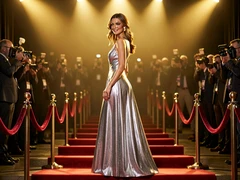
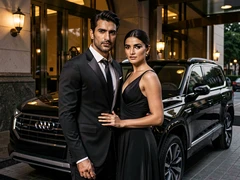

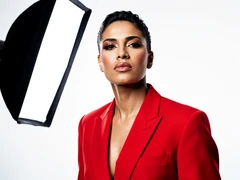


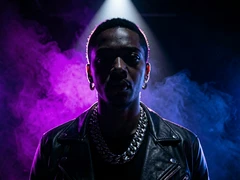
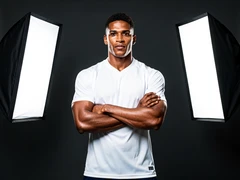
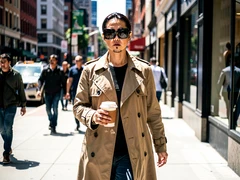

What You Can Create

You on the red carpet

Celebrity couple swap
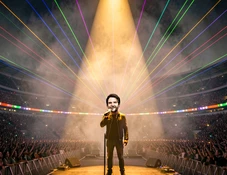
Your face on a movie poster

Award show moment
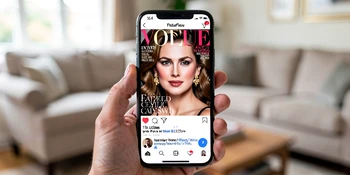
Vintage star portrait
Swap Styles to Match Your Scene
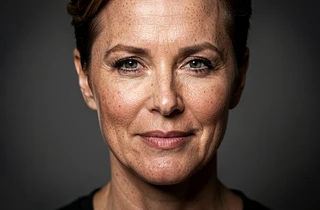
Realistic Blend
Matches your face's skin tone, lighting angle, and shadow direction to the target photo. Best for celebrity portraits and red-carpet shots where the result needs to look like a real photograph.
Cinematic Grade
Applies a film-grade color treatment to the swapped result, matching the moody tones of movie posters and music video stills. Ideal when the target image has strong directional or colored lighting.
Vintage Filter
Converts the swapped image to a desaturated or sepia-toned finish that matches classic Hollywood or retro editorial photography. Works well with black-and-white celebrity portrait targets.

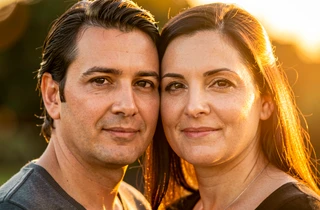
Couple Composite
Handles two face swaps in a single image simultaneously, aligning both faces to the bodies in a celebrity couple photo. Useful for creating paired results with a friend or partner.
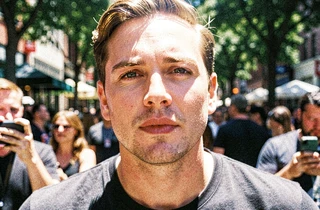
High-Contrast Editorial
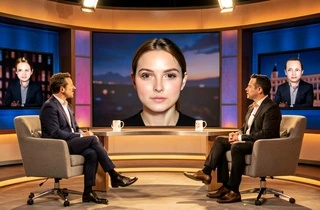
Preserves strong shadows and bright highlights from the original image, keeping the dramatic look of award show or concert photography intact after the swap.
Common Questions
How do I put my face on a celebrity picture?
Select a celebrity target image from the grid, then upload a clear, front-facing photo of yourself with good lighting and no obstructions. The tool detects your face and maps it onto the celebrity's head in the target photo. The result is generated automatically — no manual editing required.
Do I need to download an app to use the celebrity face swap?
No app download is needed. The tool runs entirely in your browser, so it works on iOS, Android, and desktop without installing anything.
What kind of photo should I upload for the best result?
A well-lit, front-facing photo taken in neutral light gives the cleanest swap. Avoid heavy shadows across your face, sunglasses, or extreme angles. The closer your photo's lighting matches the target scene, the more natural the final result looks.
Can I do a celebrity couple face swap with two people?
Yes. For couple targets, you can upload two separate face photos — one for each person in the scene. Both faces are placed into the image in a single pass, so the result shows both swaps together in the same celebrity couple photo.
Is this the same as a head swap or just the face?
The tool swaps the face region — eyes, nose, mouth, and surrounding skin — rather than the entire head. The celebrity's hair, ears, and neck remain in place, which keeps the result looking natural within the original photo's composition.
Why does my swapped face look mismatched in some photos?
Lighting mismatch is the most common cause. If your source photo was taken in harsh direct sunlight but the target uses soft studio lighting, the skin tones and shadow directions will conflict. Re-uploading a photo taken in softer, more even light usually improves the blend significantly.
Can I use the result for social media?
You can save and share the output image for personal, non-commercial use such as social media posts. Avoid using swapped images in ways that could mislead others into thinking a real celebrity endorsed or appeared in your content.